Turn your journeys into cinematic map videos.
Type your stops, pick a vehicle for each leg, and export a stunning animated-globe video — real 3D routes, your own music, and absolutely no watermark.
Built for videos people actually stop to watch.
Not a slideshow of pins. Real routing, real motion, and export quality you'd expect from an editor.
Real routes, 17 vehicles
Planes arc across the globe, cars follow roads, trains ride the rails, ships trace real sea-lanes — each turned to its true 3D heading.
Magic Builder
Drop a batch of trip photos. We read the GPS & timestamp on each and rebuild your whole route automatically — no typing.
Cinematic motion
A smooth fly-to camera, symmetric takeoffs and landings, and film-grade easing that reads as motion picture, not PowerPoint.
Your soundtrack
Add any music track and it's baked straight into the exported MP4 — perfectly in sync.
Any format, up to 4K
Export 16:9 for YouTube, 9:16 for Reels & Shorts, or 1:1 for posts — at 720p through 4K, 30 or 60fps.
No watermark, ever
Your video is yours. Clean, full-resolution output every single time — nothing stamped on top.
Reel Mode New
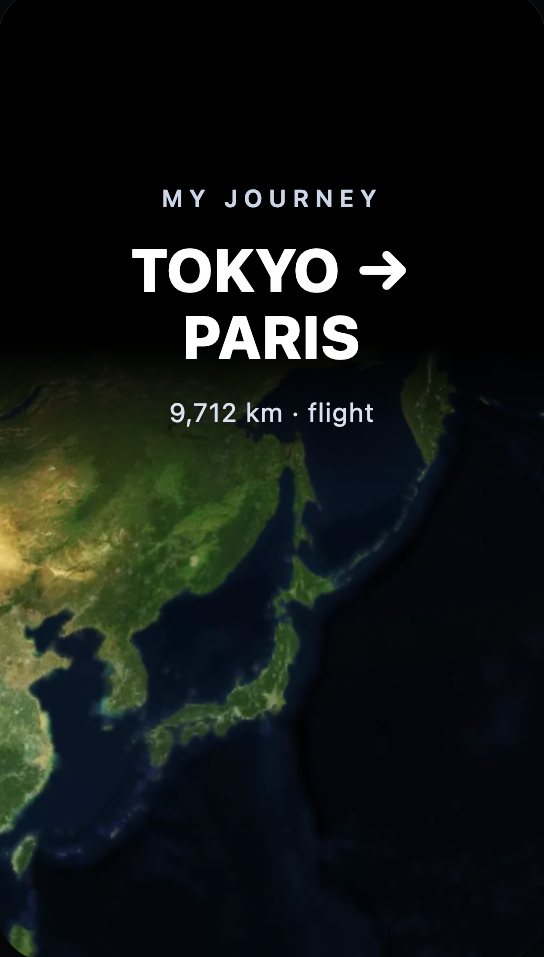
Your own travel clips play over the animated map in 9:16 — each one pinned to the stop where you shot it.
Layers that tell the story
Drop photos, emoji stickers and text bubbles on any stop, plus stat cards for distance, cost and time.
Never lose your work
Signed in, every edit saves to your account — close the tab, switch device, pick the trip up where you left it.
Your footage. Your journey. One vertical reel.
Most travel edits make you choose: the clips you shot, or the map that explains them. Reel Mode plays both at once — your video up top, the animated journey curving away underneath, in a 9:16 frame built for the feed.
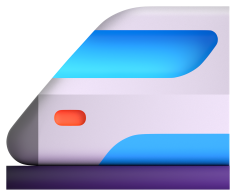
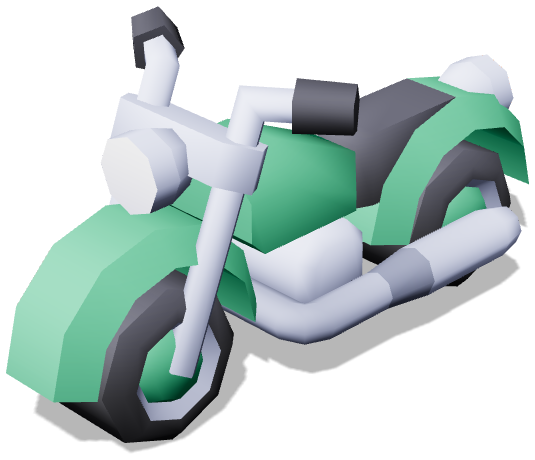
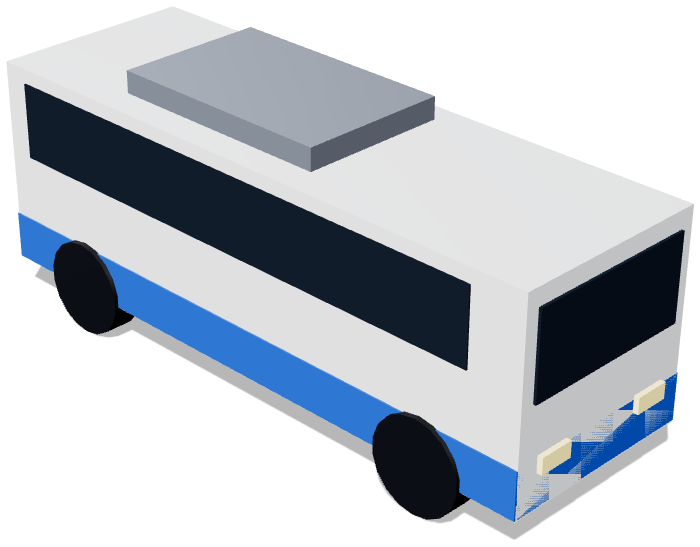
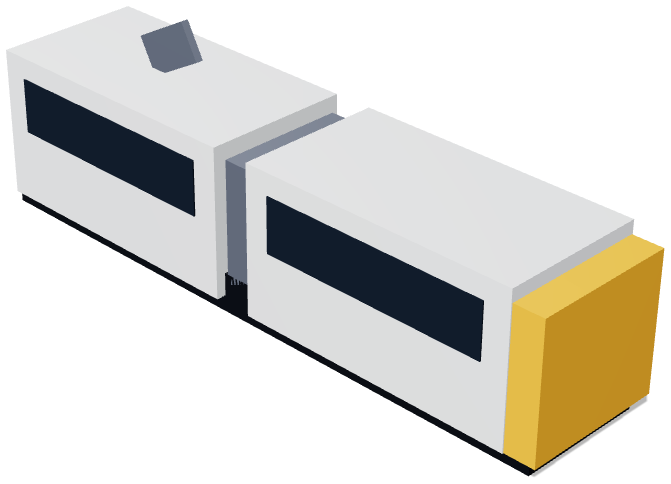
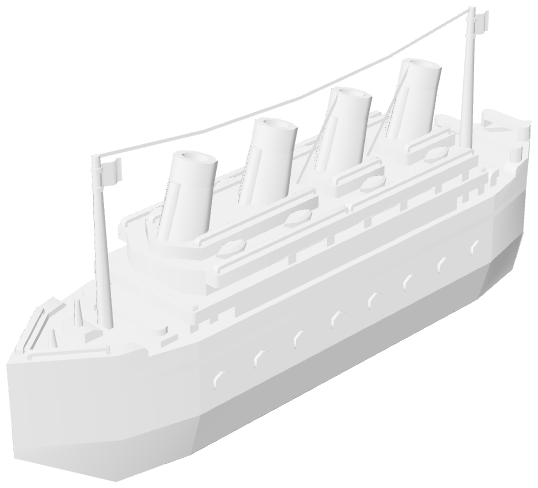
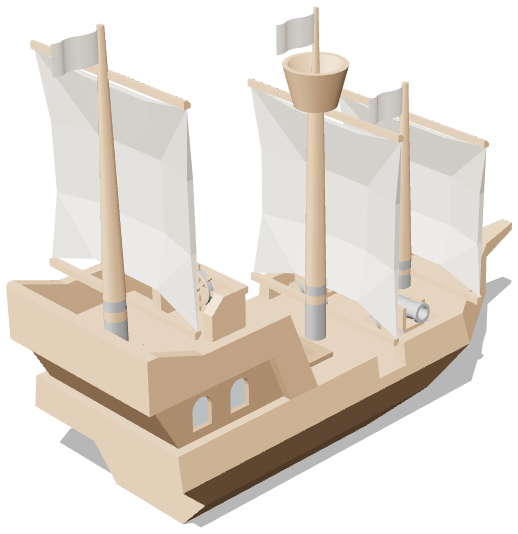
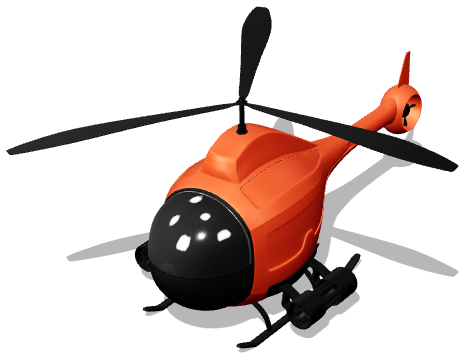
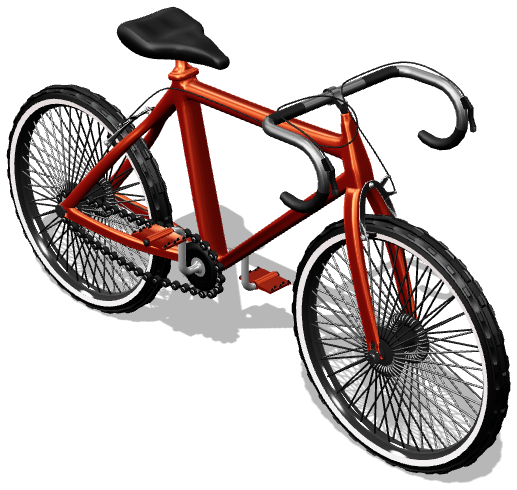
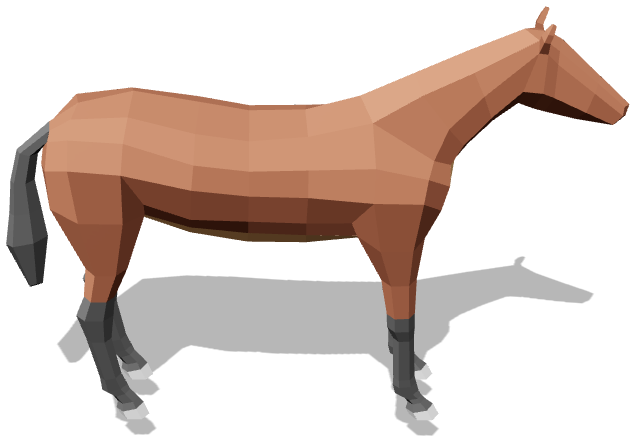
17 vehicles, each with real routing.
Every mode moves the way it should — planes arc, trains ride the rails, ships trace real sea-lanes, cars follow the roads.







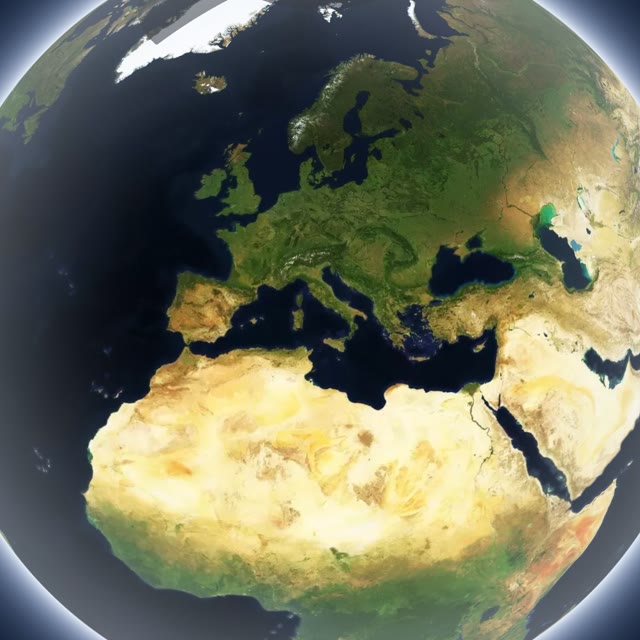
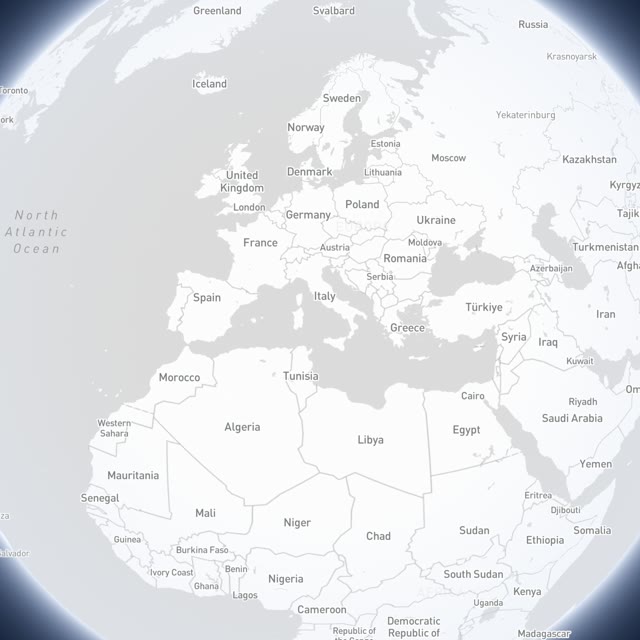
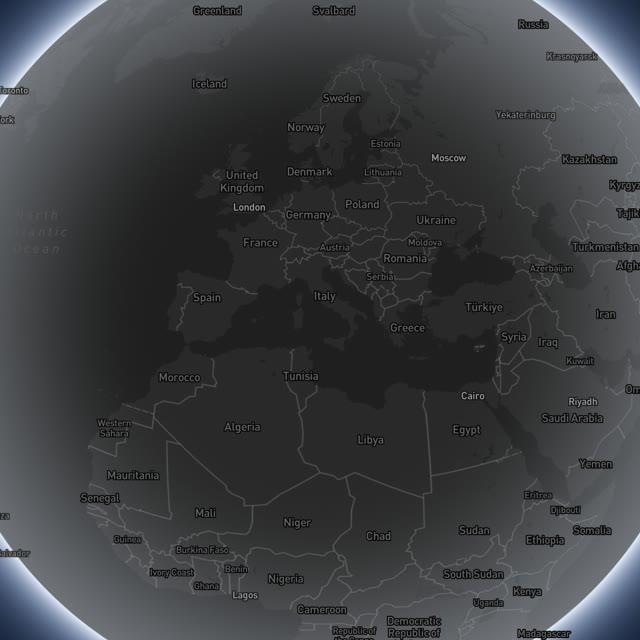
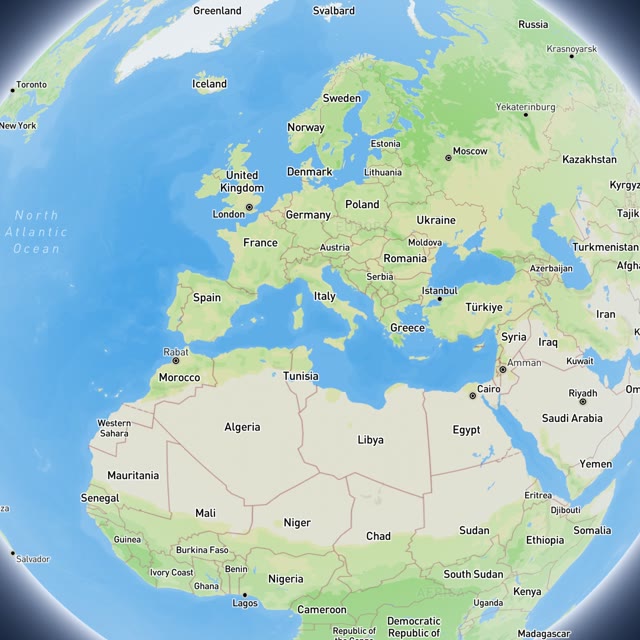
Four map styles. One clean look.
Swap the whole planet's look in a tap — photoreal satellite, crisp light, sleek dark, or shaded terrain. No clutter, no cartoon gimmicks.
Five ways to build a journey.
Type it, tap it, paste it, import it — or let your camera roll do the work. Whatever you already have, there's a way in.
From idea to finished video in minutes.
Add your stops
Search a city, tap the map, paste a Maps link, import a GPX — or drop a folder of geotagged photos and let Magic Builder do it.
Style each leg
Pick a vehicle per leg — plane, train, car, ship and more. Tune pace, colors, labels and add music.
Export & share
Render a crisp, watermark-free MP4 in your chosen format and post it anywhere.
Real journeys, real exports.
Every clip below came straight out of the studio — no watermark, no after-effects. Yours can look like this in minutes.
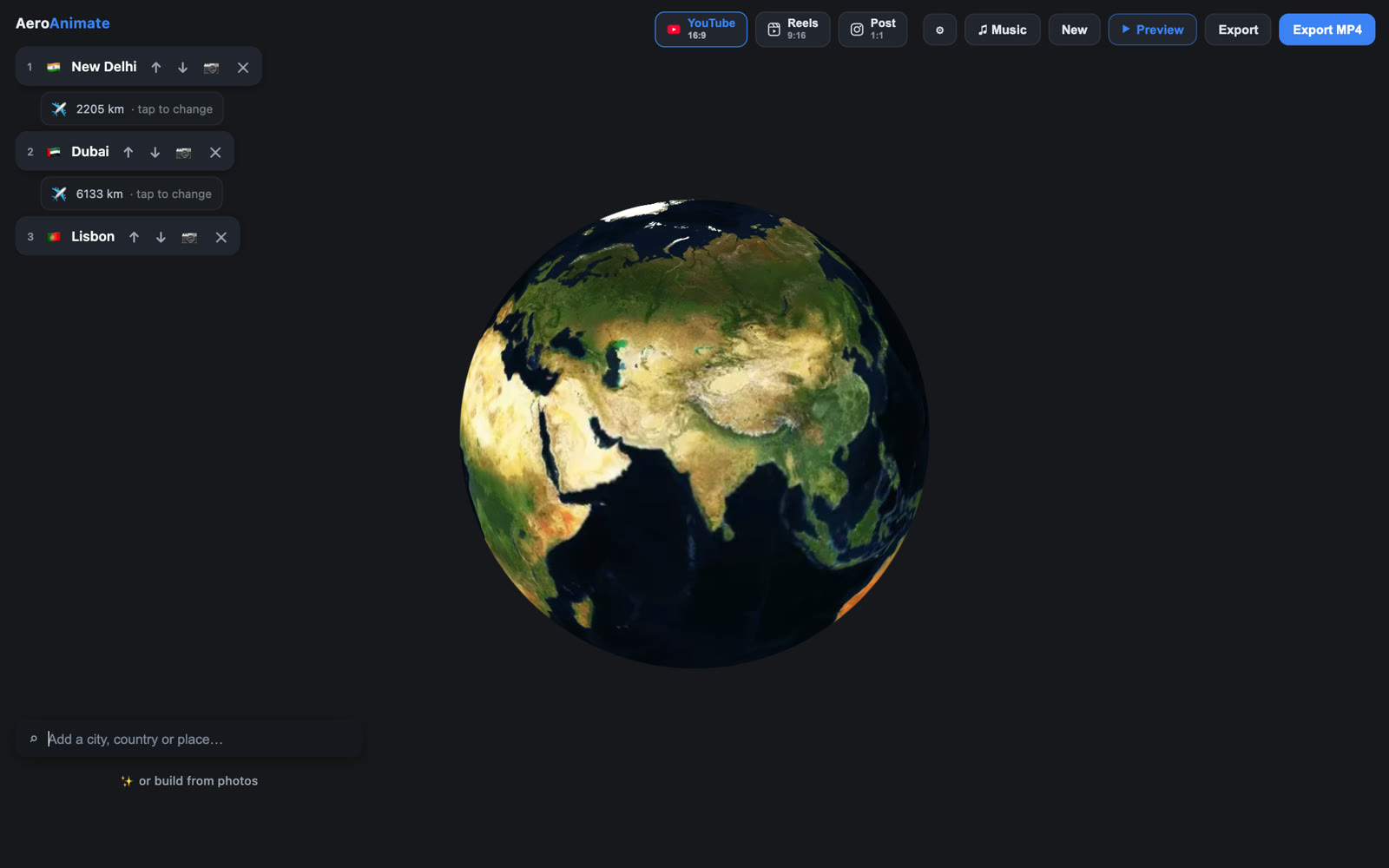
A studio, not a form.
Type your stops, pick a vehicle per leg, tune the look, and watch it come alive — everything on one screen, no timeline to wrangle.
Edit without fear.
Nothing here is a one-way door. Every edit can be undone, every stop can be moved, and the trip you've been building is never one wrong tap away from starting over.
And it's all saved to your account.
Sign in and every edit syncs automatically — close the tab, swap laptops, come back next month. Your trip is where you left it, on whatever device you pick up. Free, on every plan.
One settings panel. Every knob that matters.
Defaults already look great — but when you want it just so, everything is a tap or a slider away. No presets you're stuck with, no menus buried three levels deep.
- ⏩SpeedSlow it down to savour a leg, or speed the whole trip up — 0.5× to 2×.
- 🎬Cinematic openingStart with a sweeping zoom down into your first stop instead of a hard cut.
- 🔭Ending overviewPull the camera back at the end to reveal the whole route — full globe, balanced, or tight on your route.
- 🎥Cinematic cameraDrop to a low horizon so the planet curves across the frame — the signature reel look, in any format.
- 🌐Idle spinLet the globe rotate gently before you hit play — or keep it perfectly still.
- 📏Trip totalStamp the total distance travelled at the end, in km or miles.
- 🌌BackgroundSet the colour of the space behind the globe to match your brand or vibe.
- 🖊️Route colorAuto-colour the line per vehicle, or lock one custom colour across the trip.
- 🗺️Highlight countriesTint each country you visit so the journey pops off the map.
- 🚗Vehicle style & sizePre-rendered 3D models or a clean classic dot — at S, M or L on screen.
- 🔢Distance counterA live odometer ticking up the kilometres as the vehicle moves.
- 🛰️Map stylePhotoreal satellite, clean light, sleek dark, or shaded terrain — swap in a tap.
- 📍Place labelsShow only the current stop, everywhere you've been, or all stops at once.
- 🇺🇳Country names & flagsAdd the country and a flag under each stop for instant context.
- 🏙️Nearby placesDuring close ground travel, surface nearby towns so viewers get their bearings.
- ✨Smart collisionsOverlapping labels auto-hide so the map never turns to clutter.
- 🔠Label sizeS to XL — the box and the type scale together, so it reads on a phone or a TV.
Every setting updates the preview live — what you tune is exactly what renders into your watermark-free MP4.
Your camera roll is already an itinerary.
Every phone photo carries where and when it was taken. Magic Builder reads that, clusters your stops, orders them by time, and hands you a finished trip to animate — mostly without any AI at all.
 📸
📍
✈️
📸
📍
✈️
The premium way to animate a journey.
Most travel-map makers are watermarked mobile apps that lock the good stuff behind Pro. We don't.
Questions, answered.
Do I need to install anything?
Is there a watermark on exports?
What can I export?
Can it build a trip from my photos?
Can I add my own music?
Can I make a vertical reel with my own travel footage?
Are my trips saved?
Can I import a route I already have?
What if I make a mistake?
AeroAnimate, right in your pocket.
The same cinematic engine, tuned for touch — build a trip and export a video straight from your phone. Now available on iPhone and iPad.
Animate your next journey.
Free to start. No install, no watermark — just your map, in motion.